

Remote work is no longer a temporary shift. It has become a standard operating model for startups, global enterprises, and independent professionals alike. As distributed teams collaborate across time zones and industries rely on digital systems, productivity now depends heavily on the right set of tools. Research from the Pew Research Center shows that remote and hybrid work continue to shape employee performance and workplace expectations worldwide.
The challenge is not the availability of tools, but choosing the right ones. Free productivity apps have evolved significantly in recent years, offering advanced features that were once limited to expensive enterprise platforms. When selected strategically, these apps can improve focus, communication, accountability, and overall workflow efficiency without increasing operational costs.
This in-depth guide explores the best free productivity apps for remote work, analyzing their strengths, limitations, and ideal use cases to help individuals and teams make informed decisions.
Why Free Productivity Apps Are Essential for Remote Work
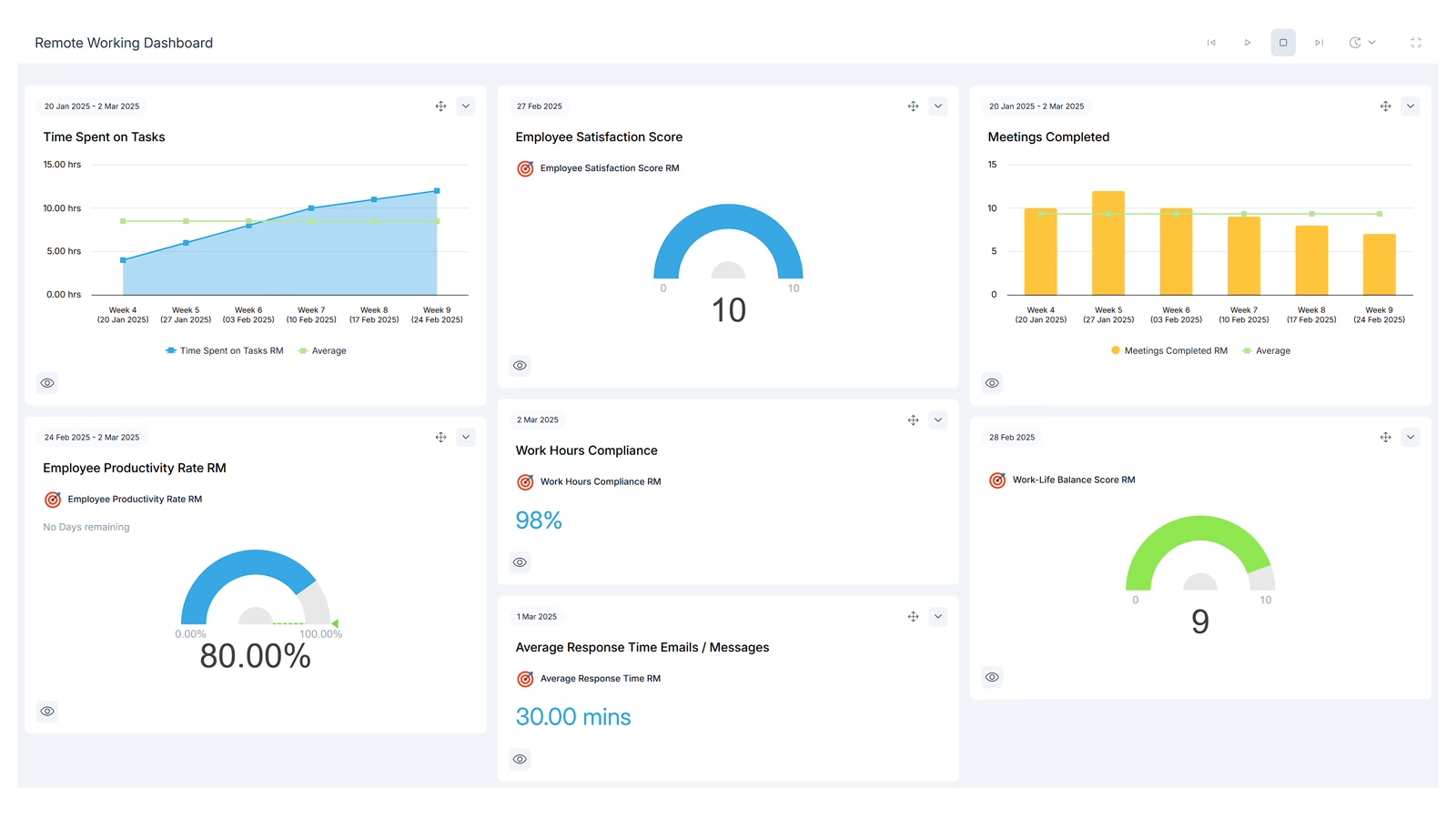
Remote work introduces unique operational challenges. Communication gaps, unclear task ownership, and digital distractions can quickly reduce efficiency. According to research published by Harvard Business Review, structured collaboration systems significantly improve remote team productivity and reduce misunderstandings.
Free productivity apps serve as the backbone of remote operations by enabling:
• Organized communication channels
• Transparent task management
• Real-time document collaboration
• Time tracking and performance monitoring
• Secure information sharing
For freelancers, startups, and small businesses, free plans allow full-scale workflow management without financial risk. Even established teams often begin with free tiers to evaluate long-term suitability.
Best Free Communication Apps for Remote Teams
Slack (Free Plan)
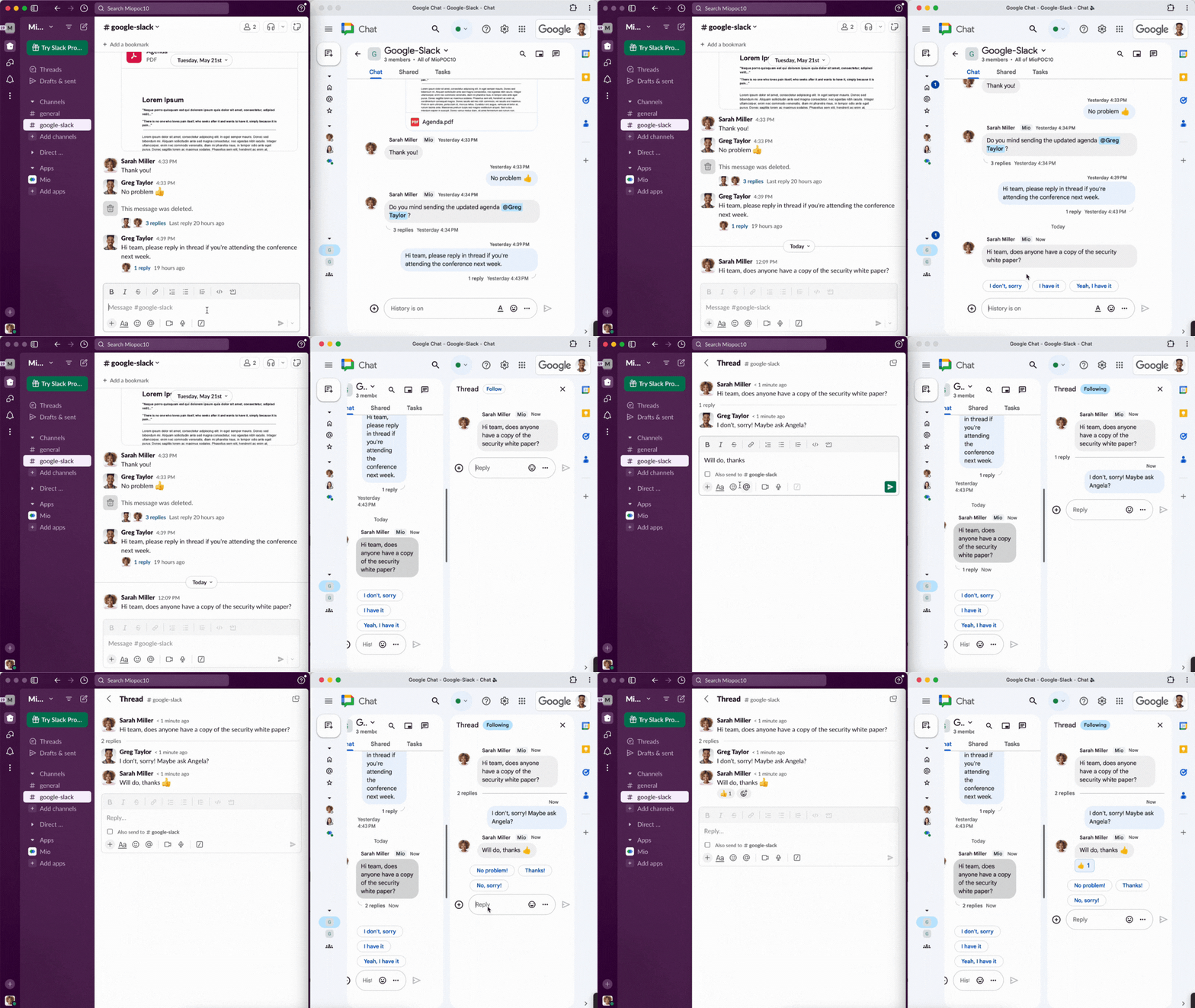
Slack remains one of the most widely adopted communication tools for distributed teams. Its channel-based structure reduces email clutter and improves organized discussions.
Key features in the free version include:
• Public and private channels
• Direct messaging
• File sharing
• Searchable message history (limited)
Slack integrates with various productivity platforms, making it a strong communication hub for small to mid-sized teams.
Microsoft Teams (Free Version)
Microsoft Teams combines chat, meetings, and file collaboration into one platform. The free version supports video calls, messaging, and file sharing.
Advantages include:
• Built-in video conferencing
• Calendar integration
• File collaboration
• Strong security infrastructure
It works particularly well for organizations already using Microsoft products.
Zoom (Free Plan)

Zoom became synonymous with remote meetings during the global shift to digital work. The free plan allows group meetings with time limits, making it suitable for daily stand-ups and quick discussions.
Notable features include:
• High-quality video and audio
• Screen sharing
• Breakout rooms
• Cross-device compatibility
For teams requiring reliable video communication, Zoom remains a dependable choice.
Best Free Project Management Tools
Trello
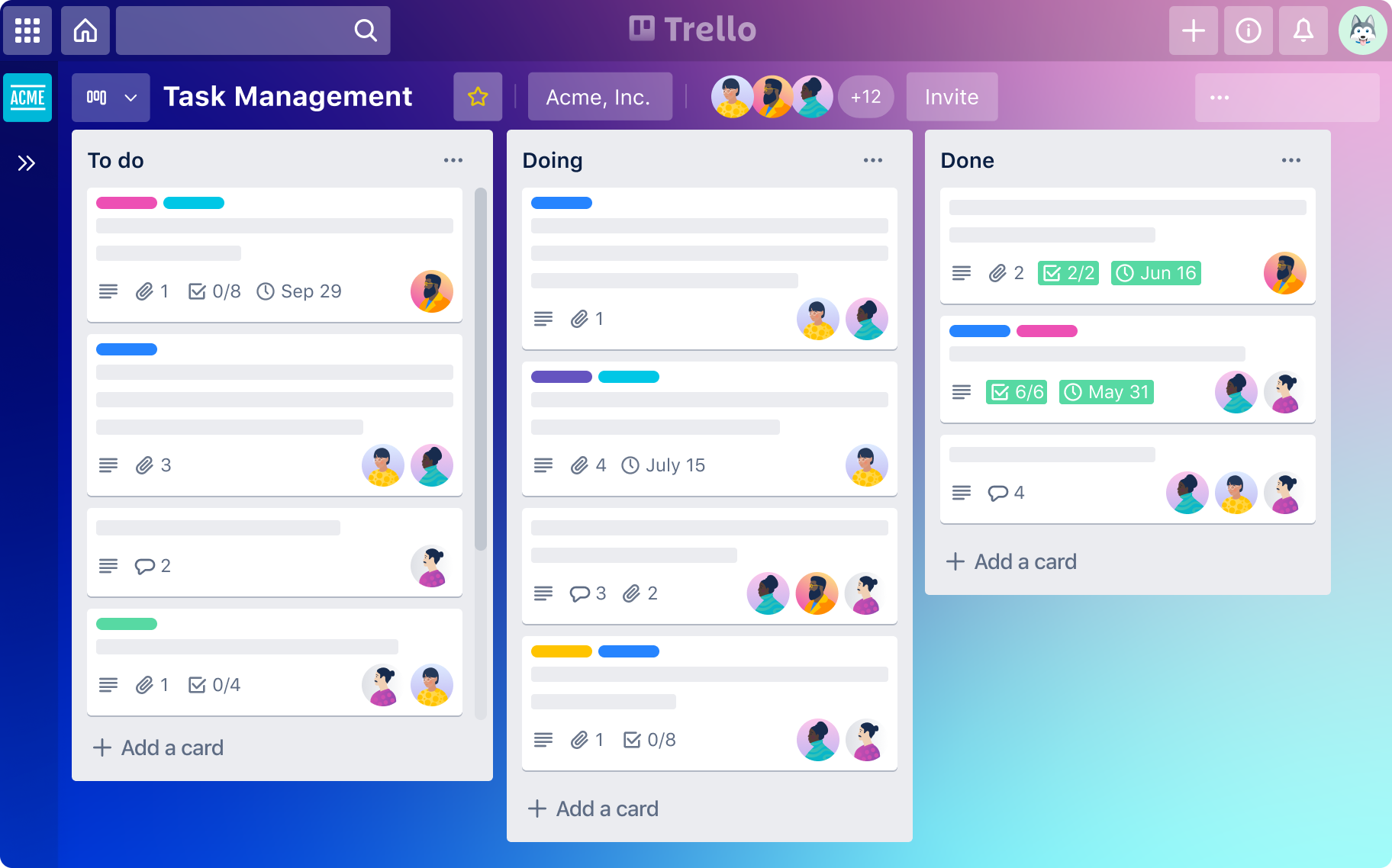
Trello uses a visual Kanban board format to organize tasks into lists and cards. Its drag-and-drop simplicity makes it easy to adopt.
Free plan features:
• Unlimited cards
• Task assignments
• Due dates
• Basic automation
It is ideal for small teams managing straightforward workflows.
Asana (Free Tier)
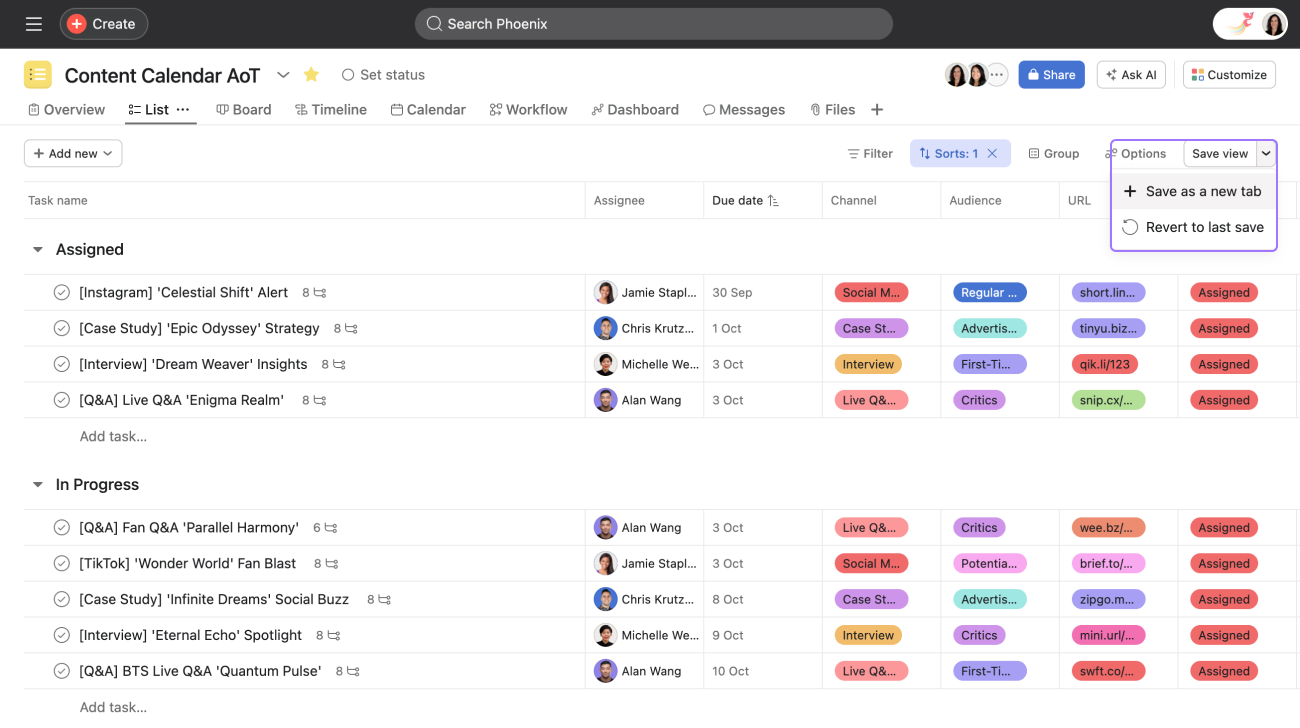
Asana offers structured task management with multiple project views. The free version supports task assignments, due dates, and collaboration features.
Benefits include:
• List and board views
• Task dependencies
• Clear accountability
• Project tracking
It works well for teams handling multi-stage projects that require coordination.
Best Free Time Management and Focus Apps
Clockify
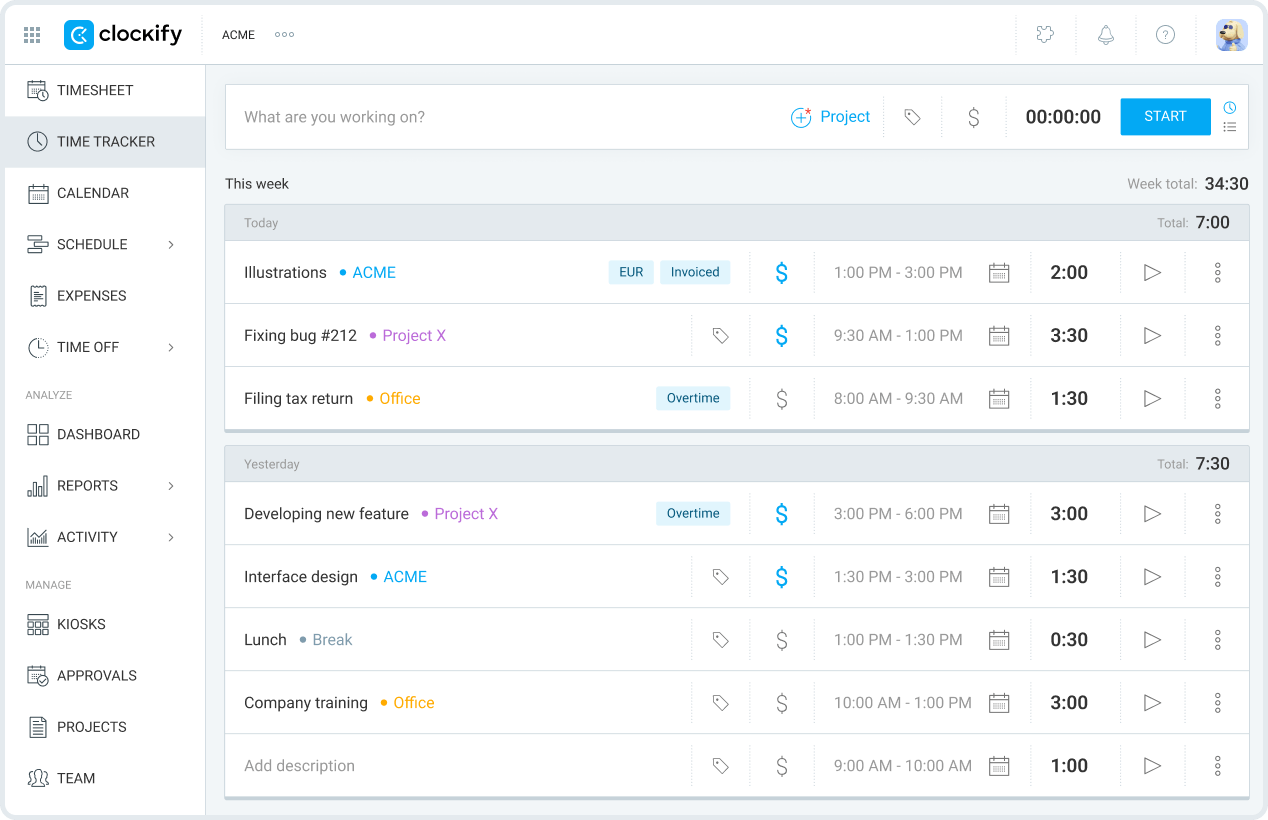
Clockify provides comprehensive time tracking for freelancers and teams. Unlike many competitors, its free version supports unlimited users.
Features include:
• Project-based time tracking
• Detailed reports
• Billable hour calculation
• Team performance insights
Accurate time tracking helps identify productivity patterns and optimize workloads.
Todoist (Free Plan)
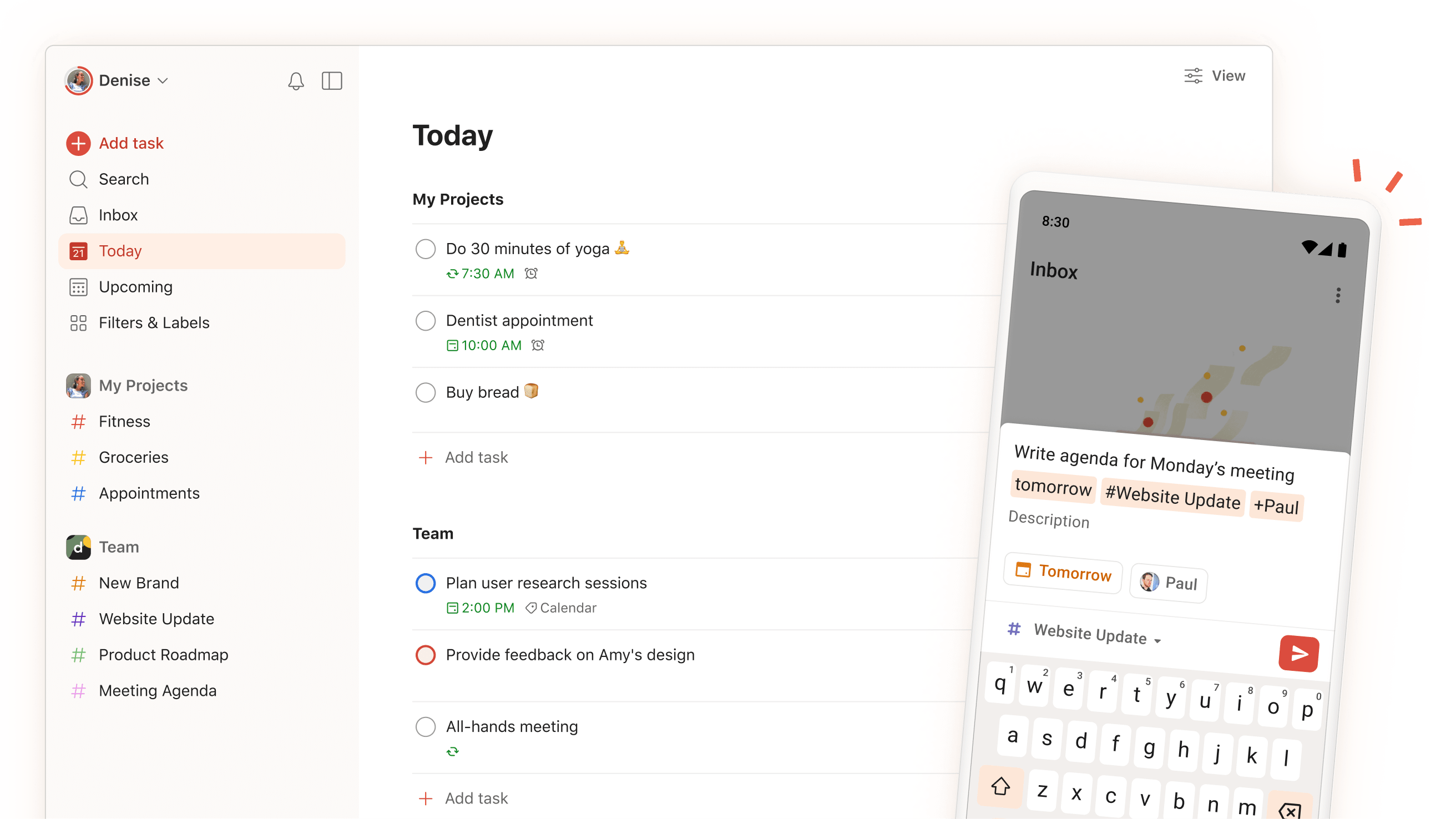
Todoist focuses on personal task organization with a clean, intuitive interface.
Key strengths:
• Priority levels
• Recurring tasks
• Cross-device sync
• Productivity tracking
It suits professionals who prefer structured daily planning without complexity.
Best Free Collaboration and Document Tools
Google Workspace Tools (Free Options)

Google Docs, Sheets, Drive, and Meet provide real-time document collaboration and cloud storage. These tools allow multiple users to edit files simultaneously while maintaining version history.
Advantages include:
• Cloud-based access
• Instant sharing permissions
• Automatic saving
• Seamless integration between apps
For document-heavy workflows, this ecosystem offers strong value at no cost.
Notion (Free Plan)

Notion combines note-taking, project management, and databases into a flexible workspace.
Highlights:
• Customizable templates
• Knowledge base creation
• Task boards
• Team collaboration
It is particularly useful for startups and digital teams seeking an all-in-one solution.
Quick Comparison of Top Free Productivity Apps
| App | Best For | Key Strength | Free Plan Limitation |
|---|---|---|---|
| Slack | Team messaging | Organized channels | Limited message history |
| Microsoft Teams | Meetings + chat | Integrated ecosystem | Feature restrictions |
| Zoom | Video calls | Reliable performance | Time limit for groups |
| Trello | Visual task management | Simple Kanban boards | Limited automation |
| Asana | Structured projects | Task dependencies | Advanced reporting restricted |
| Clockify | Time tracking | Unlimited users | Limited integrations |
| Todoist | Personal productivity | Recurring tasks | Project cap |
| Google Docs/Drive | Document collaboration | Real-time editing | Storage limit |
| Notion | All-in-one workspace | Flexible databases | File upload limits |
This overview helps teams align tools with operational needs and workflow complexity.
How to Choose the Right Free Productivity App
Choosing the right platform requires evaluating workflow demands, team size, and long-term scalability. Reports from the McKinsey Global Institute highlight that digital collaboration tools significantly reduce operational friction when implemented strategically.
Consider the following factors:
• Ease of use and onboarding
• Integration compatibility
• Security standards
• Scalability potential
• Storage and feature limitations
Testing one communication app, one task manager, and one time-tracking solution often creates a balanced productivity stack without unnecessary complexity.
Security and Data Protection Considerations
Remote teams must prioritize secure data handling. Guidelines from the Cybersecurity and Infrastructure Security Agency recommend:
• Strong password policies
• Two-factor authentication
• Controlled file permissions
• Encrypted communication channels
Most leading productivity platforms implement enterprise-grade encryption and compliance standards, even in free versions.
Frequently Asked Questions
Are free productivity apps suitable for professional teams?
Yes. Many free tiers provide stable performance and essential collaboration features. Scaling teams may eventually upgrade for advanced integrations or expanded storage.
How many productivity apps should a remote worker use?
Most professionals benefit from limiting tools to three core categories: communication, task management, and document collaboration.
Can free apps integrate with each other?
Yes. Many platforms support integration through built-in connectors, enabling automated updates and synchronized workflows.
Do free plans compromise data security?
Major providers implement strong encryption and privacy safeguards, though compliance certifications may vary by tier.
Which app is best for individual remote workers?
Todoist and Clockify are particularly useful for individuals managing tasks and tracking time independently.
Conclusion: Building an Efficient Remote Work System

Remote productivity depends less on the number of tools used and more on how effectively they are implemented. Free productivity apps now provide advanced collaboration, time management, and communication capabilities that support professional workflows at scale.
By combining structured messaging platforms, transparent project management tools, reliable time tracking systems, and secure document collaboration environments, remote professionals can maintain efficiency and accountability without financial burden.
As digital work environments continue evolving, selecting adaptable and secure tools ensures sustainable productivity. The right combination of free apps can transform remote work from chaotic to streamlined, enabling individuals and teams to operate with clarity, focus, and measurable progress.
