

Cybersecurity is no longer optional for small businesses. From ransomware campaigns to phishing scams, automated attacks constantly scan the internet looking for vulnerable systems. Small companies are often targeted because attackers assume weaker defenses and limited monitoring. Guidance from the Cybersecurity and Infrastructure Security Agency (CISA) highlights that even small organizations must adopt layered protection to reduce risk.
Fortunately, effective cybersecurity does not always require a large budget. A carefully selected combination of free tools can significantly improve protection across endpoints, networks, email systems, user credentials, and data backups. When configured properly, these tools provide a strong defensive foundation that aligns with industry best practices and real-world security recommendations.
This comprehensive guide explores the best free cybersecurity tools for small businesses, explains how they work, and shows how to build a practical, reliable security stack without licensing costs.
Why Small Businesses Must Prioritize Cybersecurity
Cyber threats have become increasingly automated. Attackers use scanning tools that continuously search for exposed services, weak passwords, outdated software, and open ports. The IBM Cost of a Data Breach Report consistently shows that small and mid-sized organizations face substantial financial consequences following a breach, often including downtime, legal expenses, and customer trust erosion.
Common threats affecting small businesses include:
- Phishing emails targeting employee credentials
- Ransomware delivered via malicious attachments
- Exploitation of unpatched software vulnerabilities
- Weak or reused passwords
- Insecure remote access systems
A practical cybersecurity strategy for small businesses typically includes five layers:
- Endpoint protection
- Network firewall and intrusion monitoring
- Email filtering
- Password management and identity controls
- Backup and recovery
Each layer below highlights trusted free tools that can meaningfully reduce risk.
1. Free Endpoint Protection Tools
Endpoint protection serves as the first line of defense. Every laptop and desktop connected to your business network represents a potential entry point for attackers.
Microsoft Defender Antivirus
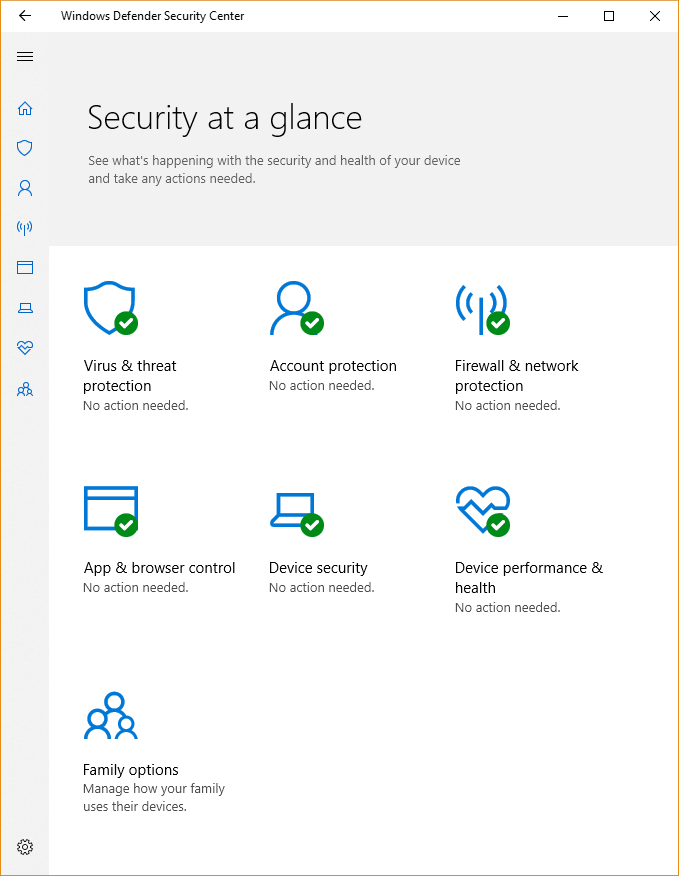
Microsoft Defender Antivirus comes built into Windows 10 and Windows 11 systems. Independent testing labs such as AV-TEST have consistently rated it highly for malware detection and performance.
Key features include:
- Real-time malware scanning
- Cloud-delivered threat intelligence
- Ransomware protection through Controlled Folder Access
- Automatic updates via Windows Update
For small businesses without dedicated IT teams, Microsoft Defender offers strong baseline protection with minimal configuration requirements and no additional cost.
Avast Free Antivirus (Review Licensing Before Business Use)
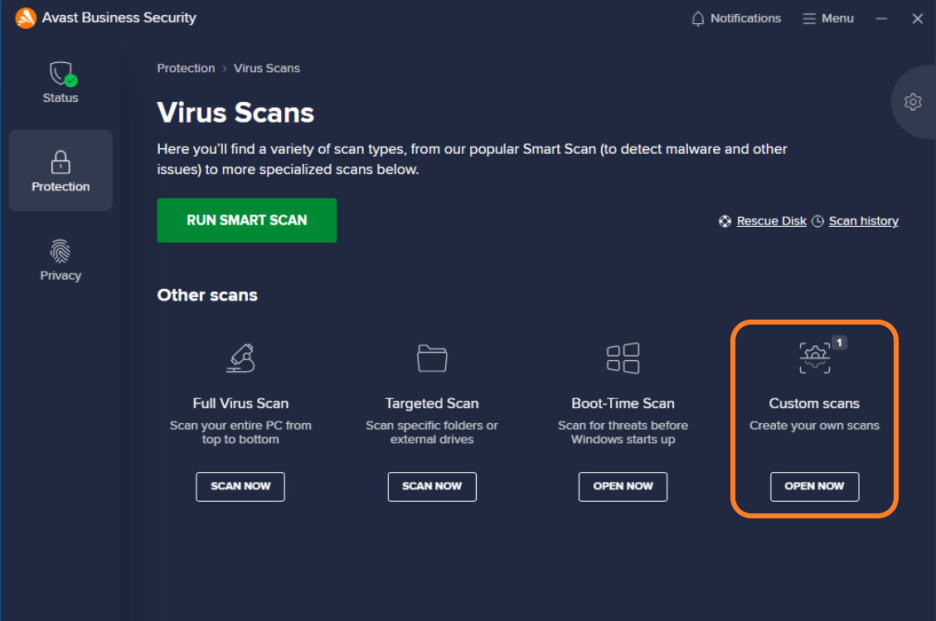
Avast Free Antivirus provides real-time malware detection, phishing protection, and behavioral analysis features. While technically robust, businesses must carefully review vendor licensing terms before deploying any free consumer antivirus product in a commercial environment.
Core capabilities include:
- Web shield against malicious sites
- Email attachment scanning
- Behavior monitoring for suspicious activity
Always verify acceptable usage terms directly with the vendor prior to deployment.
2. Free Firewall and Network Security Tools
A firewall prevents unauthorized access and controls traffic flowing into and out of your business network. Adding intrusion detection strengthens visibility into suspicious behavior.
pfSense Community Edition

pfSense Community Edition is an open-source firewall and router platform trusted by IT professionals worldwide. It can be installed on compatible hardware or virtual machines, replacing standard ISP routers with enterprise-grade capabilities.
Features include:
- Stateful packet inspection
- VPN support (OpenVPN and IPsec)
- Traffic shaping
- Intrusion detection integration
Small businesses with moderate technical knowledge can deploy pfSense to gain centralized network control without recurring license fees.
Snort (Intrusion Detection System)
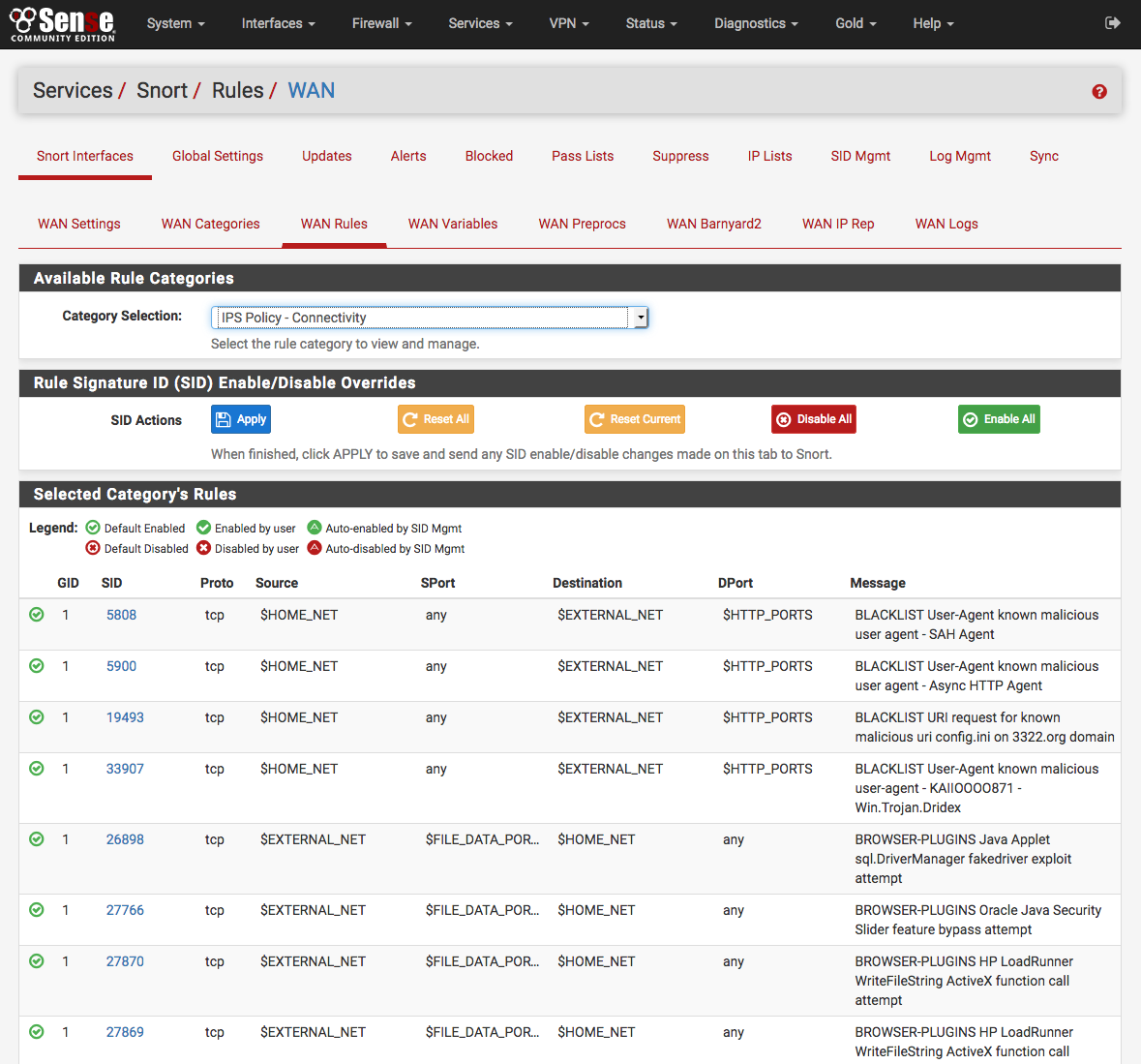
Snort is a widely used open-source intrusion detection and prevention system. It monitors network traffic and identifies suspicious patterns based on signature rules.
Snort can detect:
- Port scanning
- Exploit attempts
- Malware communication
- Brute-force login attacks
When integrated with pfSense or deployed independently, Snort enhances network visibility and helps detect attacks early.
3. Free Password Managers for Identity Protection
Weak passwords remain one of the most exploited vulnerabilities in small businesses. The National Institute of Standards and Technology (NIST) recommends strong, unique passwords combined with multi-factor authentication wherever possible.
Bitwarden (Free Plan)
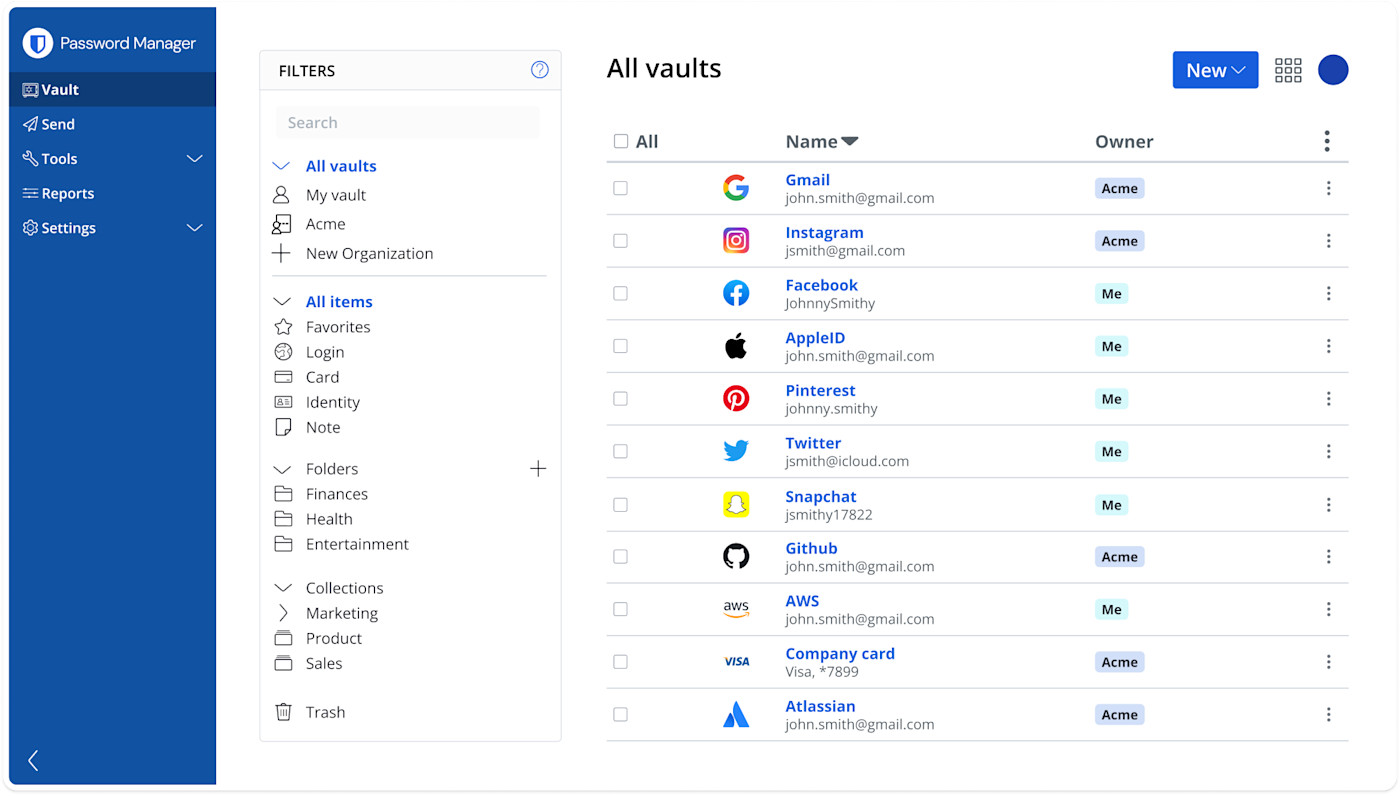
Bitwarden provides a powerful free tier suitable for individuals and small teams. It includes:
- Secure encrypted password vault
- Built-in password generator
- Browser extensions
- Cross-device synchronization
Using a password manager significantly reduces password reuse and helps mitigate phishing risks.
KeePass
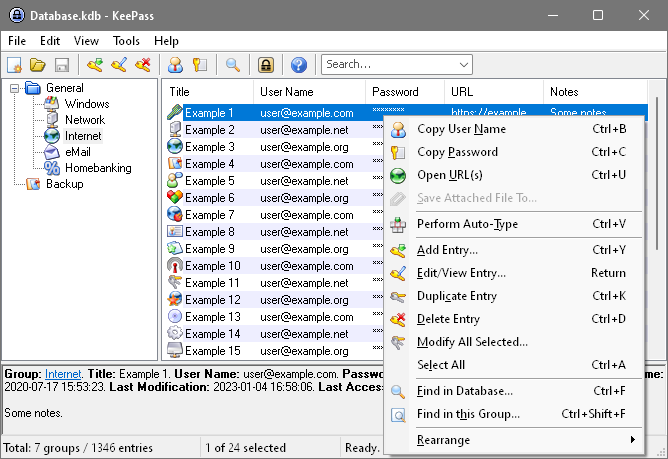
KeePass is an open-source, offline password manager ideal for businesses preferring full local control. Password databases are encrypted and stored locally, reducing reliance on cloud services.
Advantages include:
- No recurring costs
- Highly configurable security settings
- Portable database storage
However, businesses must ensure secure backups of the database file.
4. Free Email Security Tools
Email remains the most common delivery method for malware and phishing.
Apache SpamAssassin
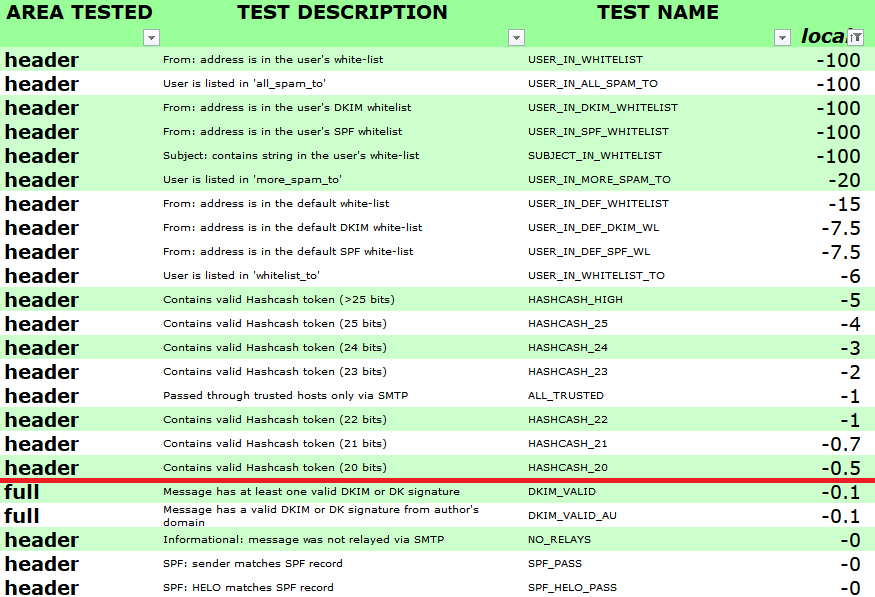
Apache SpamAssassin is an open-source spam filtering platform that analyzes incoming emails using rule-based scoring. It identifies suspicious content, malicious links, and phishing indicators.
Organizations operating self-hosted mail servers can integrate SpamAssassin to significantly reduce malicious email exposure.
5. Free Backup and Recovery Solutions
Ransomware defense is incomplete without reliable backups.
Veeam Agent for Microsoft Windows (Free Edition)
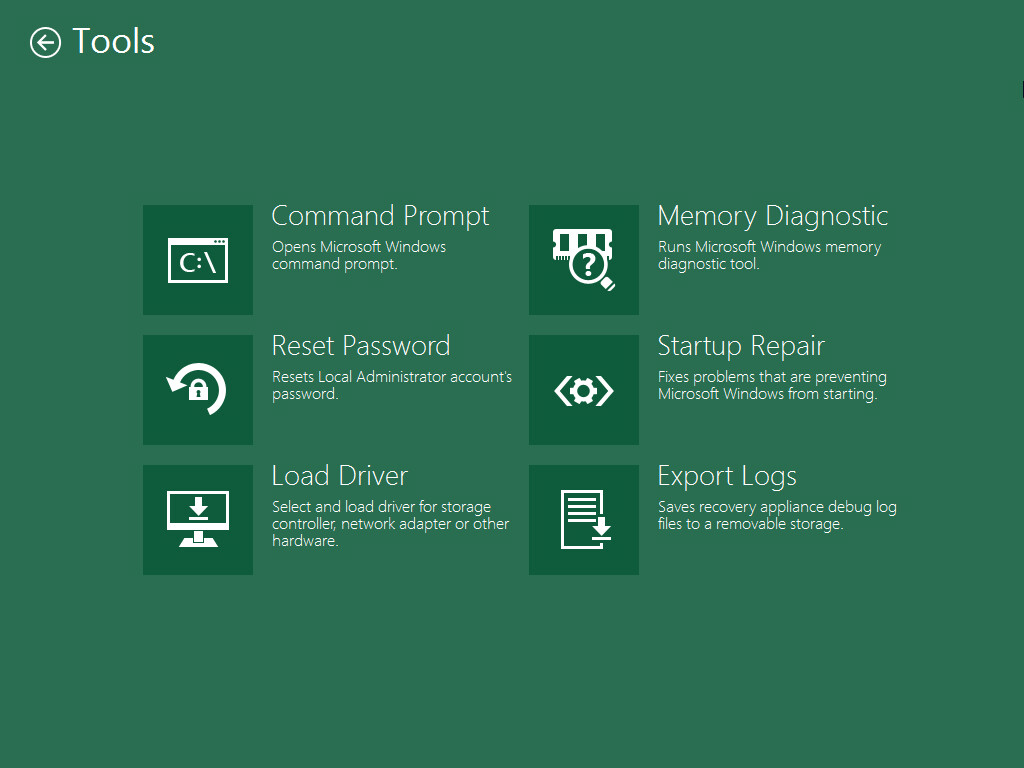
Veeam Agent Free Edition enables full system backups for Windows machines. It supports:
- Volume-level backups
- Scheduled backup jobs
- Bare-metal recovery
Reliable offline backups remain one of the most effective defenses against ransomware.
Cybersecurity Tools Comparison Table
Free Cybersecurity Tools Comparison for Small Businesses
| Tool | Category | Best For | Technical Skill Required | Key Benefit |
|---|---|---|---|---|
| Microsoft Defender | Endpoint Protection | Windows-based offices | Low | Built-in real-time protection |
| Avast Free Antivirus | Endpoint Protection | Additional scanning layer | Low | Behavioral detection |
| pfSense CE | Firewall | Network perimeter security | Moderate | Enterprise-grade firewall |
| Snort | Intrusion Detection | Traffic monitoring | Moderate to High | Attack detection alerts |
| Bitwarden | Password Manager | Cloud-based credential storage | Low | Secure password vault |
| KeePass | Password Manager | Offline password management | Moderate | Full local control |
| SpamAssassin | Email Security | Self-hosted email servers | Moderate | Spam and phishing filtering |
| Veeam Agent Free | Backup | Windows system backup | Low to Moderate | Ransomware recovery |
How to Combine These Tools into a Practical Security Stack
An effective free security stack might look like this:
- Microsoft Defender on all endpoints
- pfSense firewall at the network edge
- Snort integrated for intrusion detection
- Bitwarden for password management
- SpamAssassin for mail filtering
- Veeam Agent for scheduled backups
This layered approach aligns with widely accepted cybersecurity frameworks that emphasize defense-in-depth rather than reliance on a single tool.
Frequently Asked Questions
Are free cybersecurity tools reliable for businesses?
Many free tools are developed by reputable vendors and open-source communities. When properly configured and maintained, they can provide strong baseline protection. However, growing organizations may eventually require paid solutions for advanced management features.
Can a small business rely only on antivirus software?
No. Antivirus is only one layer. Effective protection requires firewall controls, strong passwords, backups, and employee awareness training.
Is open-source software secure?
Open-source tools can be highly secure because their code is publicly reviewed. Security depends on proper configuration and timely updates.
How often should backups be performed?
At minimum, daily backups for critical data are recommended. Offline or immutable backups provide additional protection against ransomware.
When should a business consider paid cybersecurity tools?
Paid tools become valuable when centralized management, compliance requirements, or advanced threat detection capabilities are necessary.
Final Thoughts
Small businesses operate in a threat environment that demands proactive protection. While budget constraints are common, effective cybersecurity does not always require expensive licensing. By combining trusted free tools such as Microsoft Defender, pfSense, Snort, Bitwarden, SpamAssassin, and Veeam Agent Free Edition, small organizations can build a layered defense strategy that significantly reduces risk.
The key lies in thoughtful implementation, regular updates, employee training, and consistent backup testing. Cybersecurity is not a one-time setup but an ongoing process of monitoring, improving, and adapting to new threats.
With the right free tools and disciplined security practices, small businesses can strengthen resilience, protect sensitive data, and operate with greater confidence in an increasingly digital world.

