
Windows 11 brings a modern interface, enhanced security layers, and deeper integration with Microsoft services, yet password management remains one of the most overlooked aspects of personal and professional cybersecurity. Data from organizations such as the National Institute of Standards and Technology consistently emphasizes the importance of strong, unique credentials for every online account. At the same time, reports from Verizon in its annual Data Breach Investigations Report show that compromised credentials remain one of the leading causes of data breaches.
In practical terms, Windows 11 users manage dozens—often hundreds—of online logins across browsers, applications, and cloud services. Remembering complex passwords without reuse is unrealistic. A secure password manager not only stores credentials but also generates strong passwords, syncs across devices, protects against phishing, and helps monitor data breaches. Choosing the right solution requires understanding encryption models, zero-knowledge architecture, cross-platform support, pricing, and usability.
This comprehensive guide explores the top password manager software for Windows 11, compares features, and offers expert-backed recommendations based on security architecture, independent audits, and real-world usability.
Why Windows 11 Users Need a Dedicated Password Manager
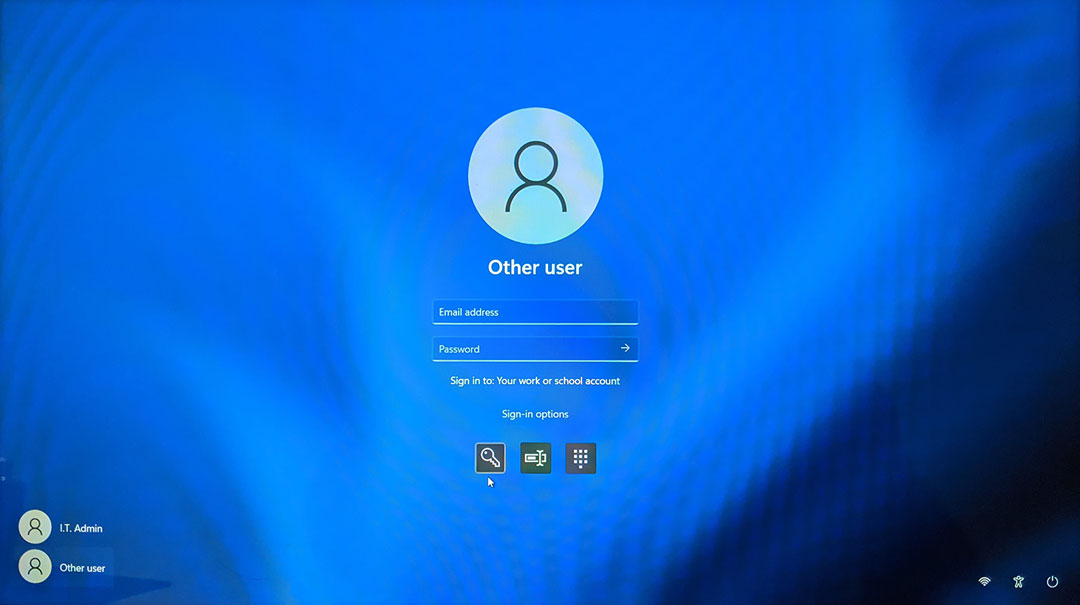
While Windows 11 includes built-in credential storage through Microsoft accounts and browser-based saving in Microsoft Edge, dedicated password managers provide stronger encryption standards, secure sharing, cross-browser compatibility, and advanced monitoring. According to guidance from the Cybersecurity and Infrastructure Security Agency, password managers significantly reduce the risks associated with weak or reused credentials.
Key reasons to use a password manager on Windows 11:
- Generate strong, randomized passwords instantly
- Secure credentials using AES-256 encryption
- Enable two-factor authentication (2FA)
- Monitor the dark web for breached credentials
- Sync securely across devices
- Protect against phishing attacks
Modern password managers follow zero-knowledge architecture, meaning even the service provider cannot access stored passwords. Encryption best practices are widely documented by the Electronic Frontier Foundation, which supports password managers as a practical security measure.
How Password Managers Work on Windows 11
Most leading password managers install as:
- A desktop application for Windows 11
- A browser extension (Chrome, Edge, Firefox)
- A mobile app for Android and iOS
- Optional web vault access
When a user logs into a website, the manager captures credentials, encrypts them locally, and stores them in a secure vault. Decryption happens only after entering a master password or using biometric authentication like Windows Hello. Encryption typically uses AES-256 combined with PBKDF2 or Argon2 key derivation functions, which are standards referenced by cryptographic communities and recommended in NIST publications.
Advanced features may include:
- Password health reports
- Breach monitoring through services similar to Have I Been Pwned
- Secure file storage
- Encrypted password sharing
With Windows 11’s TPM (Trusted Platform Module) integration, some password managers also enhance device-level protection.
Top Password Manager Software for Windows 11
1. 1Password
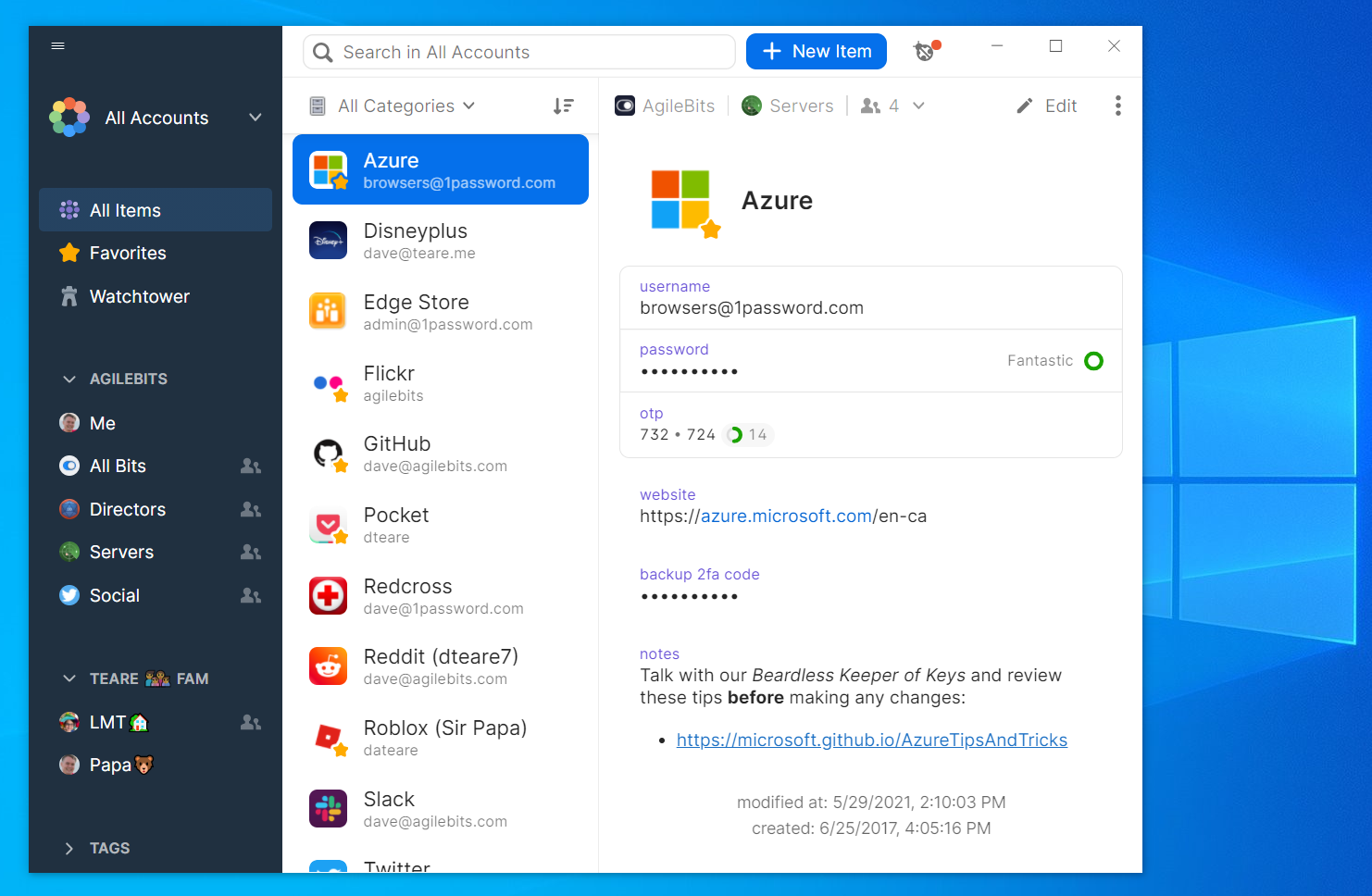
1Password is widely recognized for its security-first architecture and intuitive interface. It uses AES-256 encryption combined with a Secret Key system that adds an additional layer beyond the master password. Independent audits and transparent security documentation reinforce its credibility.
Strengths:
- Travel mode to hide sensitive vaults
- Strong password health monitoring
- Excellent Windows 11 integration
- Seamless browser extensions
Limitations:
- No permanent free version
1Password is especially suitable for professionals and families who need secure vault sharing with granular permissions.
2. Bitwarden
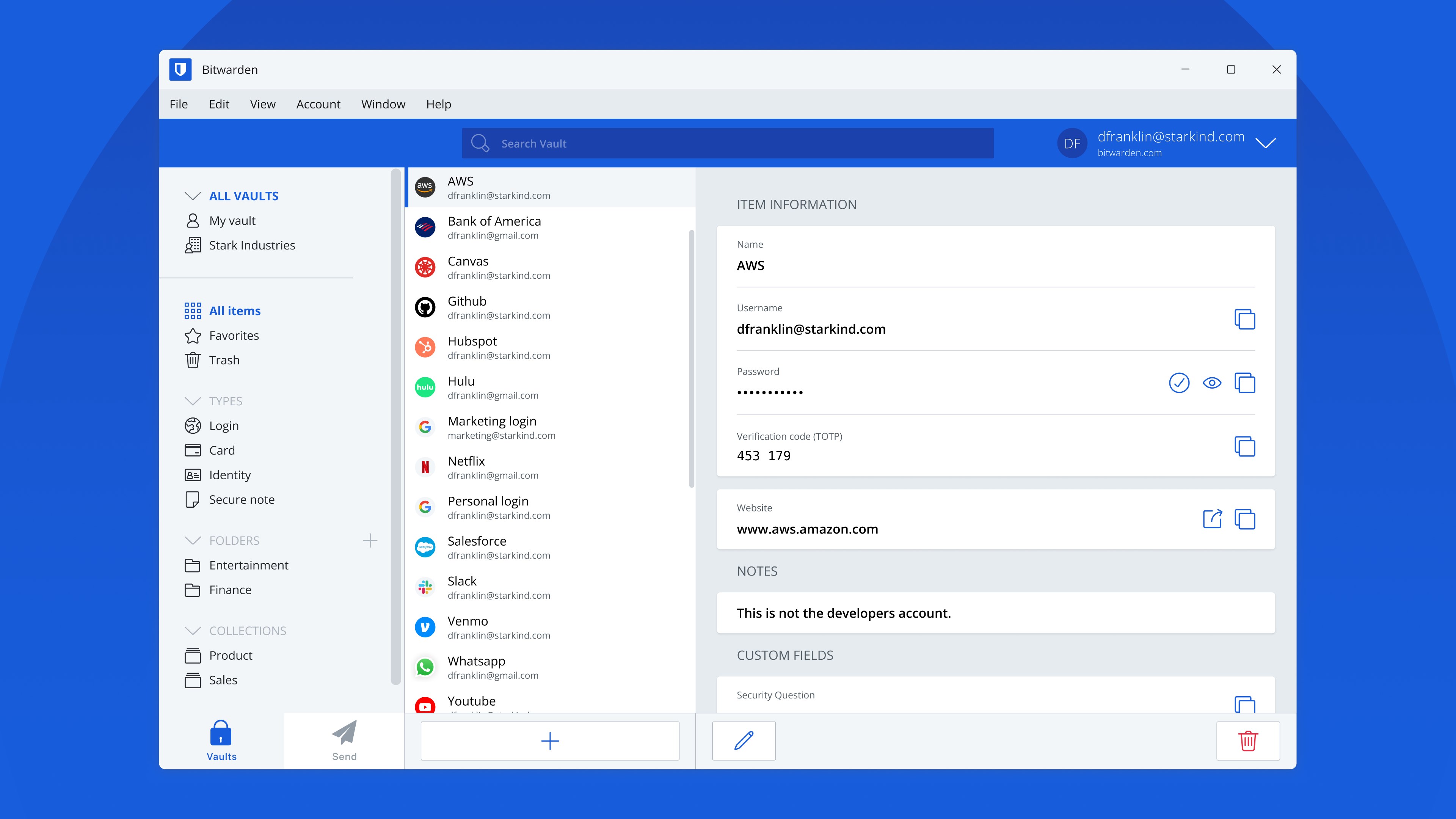
Bitwarden stands out for its open-source transparency and affordability. The codebase is publicly auditable, increasing trust among security professionals. It offers a generous free tier with unlimited device syncing.
Strengths:
- Open-source architecture
- Affordable premium plan
- Self-hosting option
- AES-256 encryption
Limitations:
- Interface slightly less polished than competitors
Bitwarden is ideal for technical users or organizations that value open-source security models.
3. Dashlane
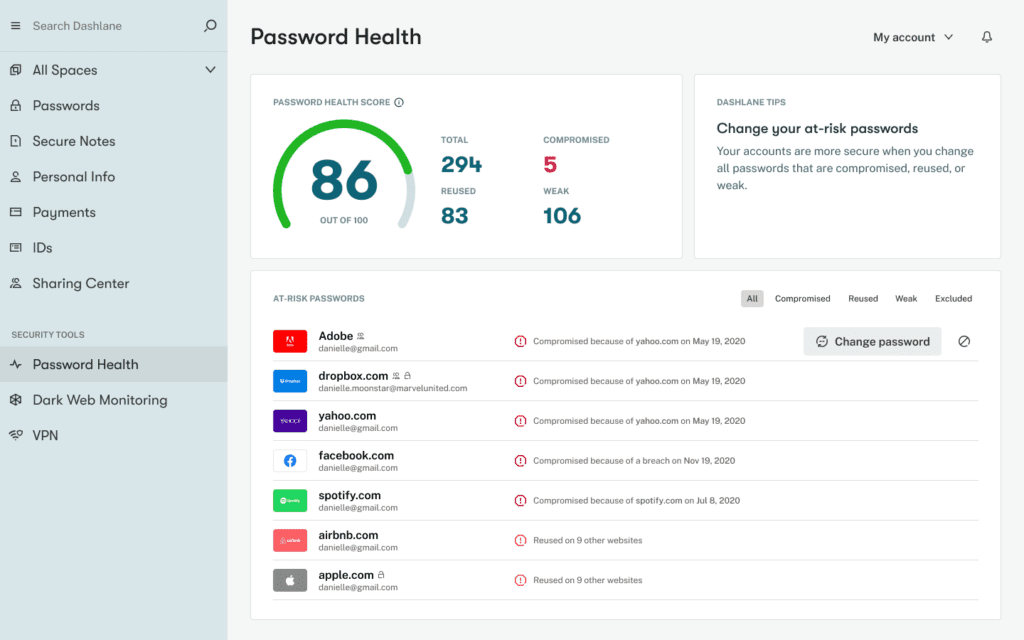
Dashlane combines password management with built-in VPN services. It offers a clean interface and robust password health reporting.
Strengths:
- Dark web monitoring
- Built-in VPN
- Strong security dashboard
- Easy-to-use Windows integration
Limitations:
- Higher pricing compared to competitors
Dashlane is suitable for users who prefer an all-in-one security bundle.
4. NordPass
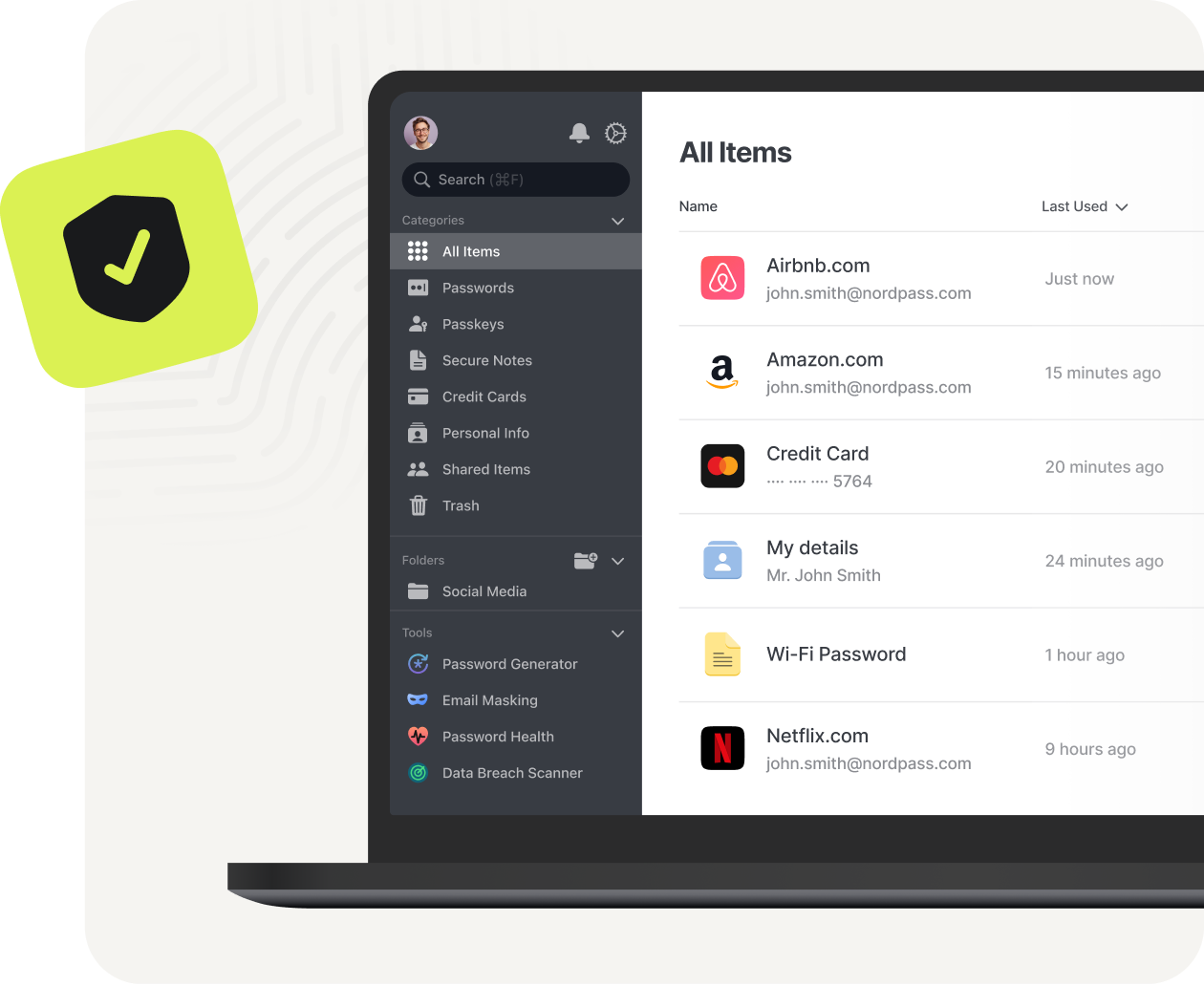
NordPass uses XChaCha20 encryption, a modern alternative to AES. It offers biometric login and clean UI design tailored for simplicity.
Strengths:
- Modern encryption standard
- Simple interface
- Affordable pricing
- Strong multi-device support
Limitations:
- Free plan limits active sessions
NordPass is appealing to users who want straightforward functionality without complexity.
5. Keeper Security
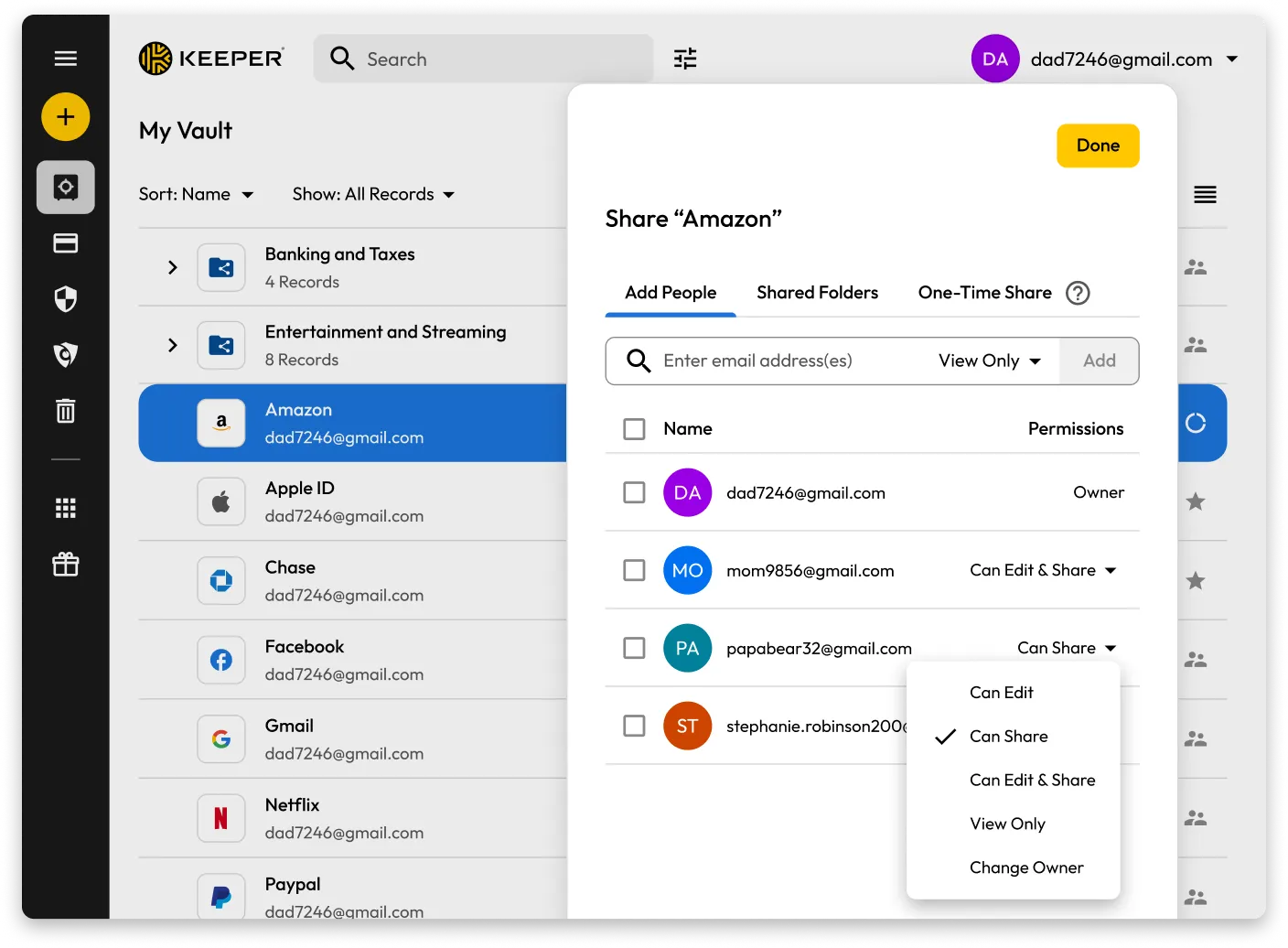
Keeper Security focuses heavily on enterprise-grade protection while remaining accessible to individuals. It supports secure file storage and encrypted messaging.
Strengths:
- Advanced 2FA support
- Secure file vault
- Strong compliance standards
- Scalable for businesses
Limitations:
- Additional features may require add-ons
Keeper works well for both individual professionals and enterprise teams.
Feature Comparison Table
Windows 11 Password Manager Comparison
| Feature | 1Password | Bitwarden | Dashlane | NordPass | Keeper |
|---|---|---|---|---|---|
| Encryption | AES-256 + Secret Key | AES-256 | AES-256 | XChaCha20 | AES-256 |
| Free Version | No | Yes | Limited | Yes | Limited |
| Open Source | No | Yes | No | No | No |
| Dark Web Monitoring | Yes | Premium | Yes | Yes | Yes |
| VPN Included | No | No | Yes | No | No |
| Family Plans | Yes | Yes | Yes | Yes | Yes |
Security Standards and Encryption Explained
Encryption is the backbone of password management. Most services use AES-256, the same encryption standard referenced in government security frameworks. XChaCha20, used by NordPass, is increasingly recognized in cryptographic research for its efficiency and strong security properties.
Multi-factor authentication adds another security layer. According to recommendations from the Microsoft security documentation, enabling MFA can block over 99% of automated account attacks.
Zero-knowledge architecture ensures providers cannot access user vault data. This structure is essential when evaluating trustworthiness.
Choosing the Right Password Manager for Your Needs
When selecting a password manager for Windows 11, consider:
- Budget constraints
- Need for family or team sharing
- Open-source preference
- Built-in VPN requirements
- Biometric login compatibility
- Business compliance needs
For personal users seeking affordability and transparency, Bitwarden is compelling. For premium usability and polished interface, 1Password excels. Businesses requiring advanced controls may prefer Keeper. Users seeking bundled privacy features may gravitate toward Dashlane.
Frequently Asked Questions (FAQ)
Are password managers safe on Windows 11?
Yes, when using reputable providers with strong encryption and zero-knowledge architecture, password managers significantly enhance security compared to storing passwords in browsers or spreadsheets.
Can Windows 11’s built-in password storage replace a password manager?
Windows Hello and Microsoft account storage provide basic credential management but lack advanced features like cross-browser syncing, encrypted sharing, and comprehensive breach monitoring.
What happens if the master password is forgotten?
Most password managers cannot recover vaults due to zero-knowledge encryption. Some offer recovery options through emergency contacts or recovery keys.
Do password managers slow down Windows 11?
Modern password managers are lightweight and optimized. Browser extensions operate efficiently without noticeable system impact.
Is free software enough?
Free versions can be sufficient for individuals with basic needs. However, premium features like breach monitoring and encrypted sharing add significant value.
Final Thoughts: Building a Secure Digital Foundation on Windows 11
Cybersecurity is no longer optional. With credential-based attacks dominating breach statistics reported by major cybersecurity organizations, relying on memory or reused passwords exposes unnecessary risk. Password managers provide structured, encrypted, and user-friendly solutions tailored for modern operating systems like Windows 11.
Each of the solutions discussed—1Password, Bitwarden, Dashlane, NordPass, and Keeper—offers strong security architecture, cross-platform functionality, and practical usability. The best choice depends on budget, feature preferences, and whether individual or business use is the priority.
Investing in a reputable password manager not only protects personal data but also reinforces long-term digital resilience. Strong passwords, combined with multi-factor authentication and continuous monitoring, form the foundation of modern cybersecurity hygiene. Selecting the right tool ensures Windows 11 users can navigate the digital world with confidence, efficiency, and enhanced protection against evolving threats.
