

Older computers remain widely used in homes, schools, and small offices. Many still run reliably for browsing, document work, and basic tasks. However, security remains a serious concern. Cyber threats have evolved significantly over the past decade, and older hardware often struggles to run modern, feature-heavy antivirus suites. When protection software consumes too many system resources, performance drops dramatically. Boot times increase, applications freeze, and simple tasks become frustrating.
The solution is not to remove protection altogether. Instead, the right approach involves selecting lightweight antivirus software designed to provide strong malware defense while maintaining smooth system performance.
This comprehensive guide explains what makes antivirus software lightweight, how to choose the best option for aging systems, and which solutions consistently perform well on low-spec machines.
Why Old Computers Need Special Antivirus Consideration
Older systems often operate with limited hardware capabilities. Common specifications include:
- 2GB to 4GB RAM
- Dual-core processors
- Mechanical hard drives (HDDs)
- Older Windows versions
Modern security suites often include extra features such as VPN modules, identity protection, password managers, browser sandboxing, firewall controls, and behavioral analytics engines. While useful on high-performance machines, these features can overwhelm aging hardware.
Security experts and national agencies like Cybersecurity and Infrastructure Security Agency emphasize that endpoint protection remains essential, especially for systems still connected to the internet. Older machines are often more vulnerable because they may lack recent operating system patches.
The key is balancing protection strength with system efficiency.
What Makes Antivirus Software “Lightweight”?
A lightweight antivirus program focuses on efficiency without sacrificing core protection. It typically includes:
- Minimal background services
- Optimized real-time scanning
- Small installation footprint
- Limited bundled extras
- Cloud-assisted threat detection
Instead of relying entirely on local processing, many modern antivirus engines use cloud-based intelligence. Suspicious files are analyzed using remote databases, reducing the processing load on the local system.
Independent testing laboratories such as AV-TEST and AV-Comparatives regularly evaluate both detection capability and system performance impact. Their findings consistently show that some security products deliver high protection with minimal slowdown, even on entry-level systems.
Signs Your Current Antivirus Is Too Heavy
If an old computer shows the following symptoms after installing antivirus software, the solution may be too resource-intensive:
- CPU usage spikes above 70% during idle
- RAM consumption remains high constantly
- Browser becomes slow to load pages
- System freezes during full scans
- Startup time increases significantly
These issues indicate that a lighter alternative may provide better overall usability without compromising safety.
Best Lightweight Antivirus Software for Old Computers
1. Avast Free Antivirus
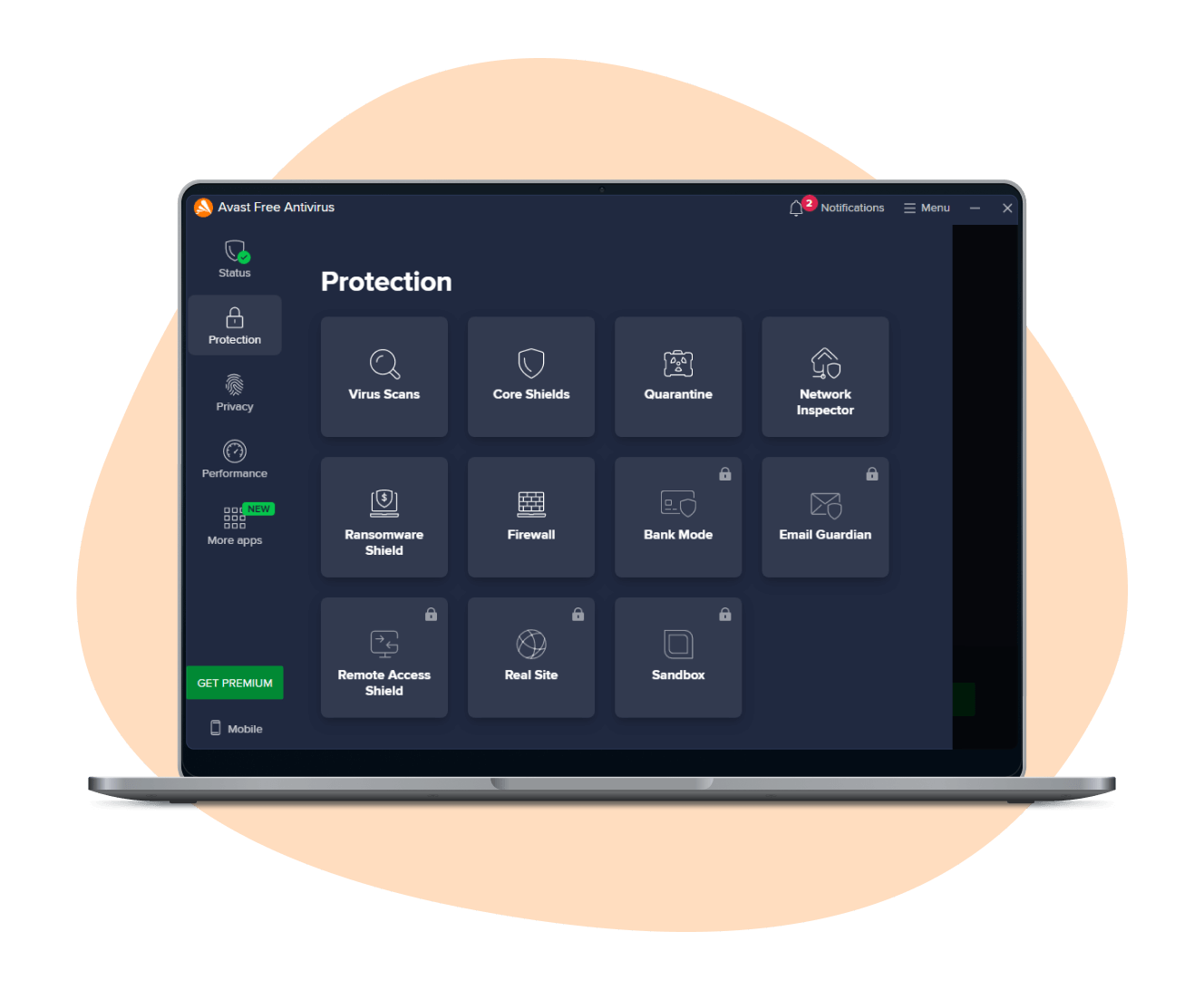
Avast Free Antivirus remains popular among users with older systems because it balances protection with moderate resource usage. It uses cloud-based scanning technology and intelligent threat detection to reduce heavy background processing.
Key advantages include:
- Real-time malware protection
- Regular definition updates
- Adjustable scanning options
- User-friendly interface
When configured properly, disabling non-essential features like additional browser add-ons can further reduce system load.
Best suited for: Systems with 3GB–4GB RAM that require reliable real-time protection.
2. Bitdefender Antivirus Free
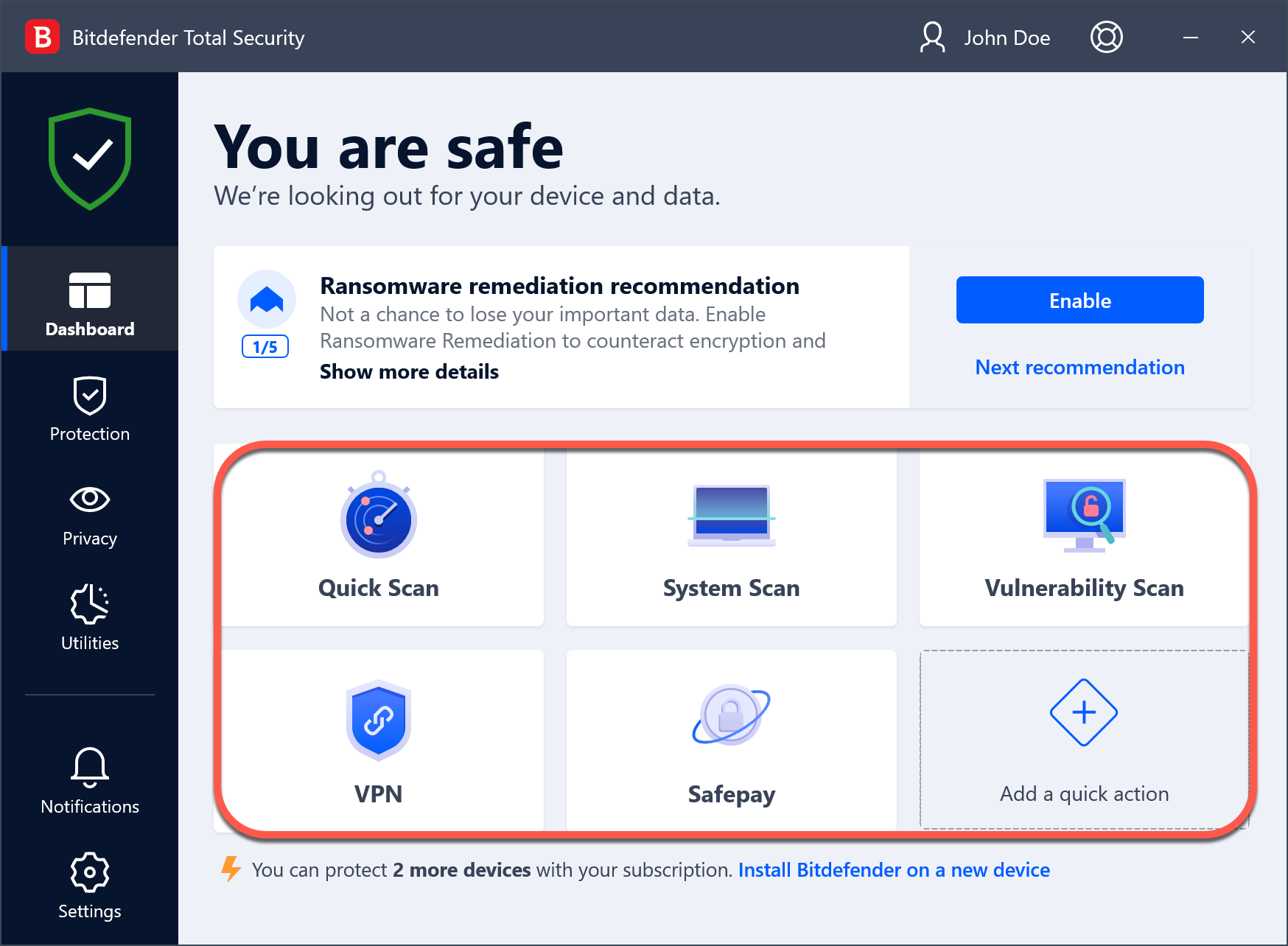
Bitdefender’s free edition is widely regarded as one of the most lightweight options available. Its minimalist design eliminates unnecessary modules, focusing purely on core malware protection.
Key advantages:
- Extremely low background impact
- Automatic scanning engine
- High malware detection rates
- Simple, clean interface
Because it avoids feature overload, Bitdefender Free performs particularly well on 2GB RAM systems.
Best suited for: Very low-spec computers that need maximum performance efficiency.
3. Kaspersky Security Cloud Free
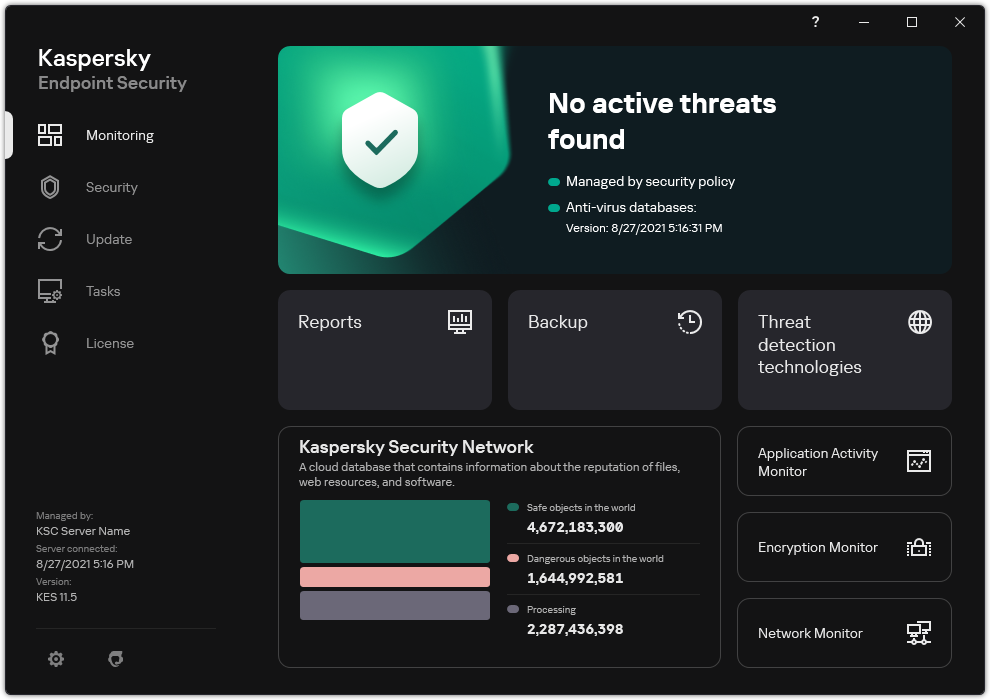
Kaspersky’s free security solution provides strong detection performance while maintaining relatively low system impact. It relies heavily on cloud-based intelligence and smart scanning mechanisms.
Key advantages:
- High detection accuracy
- Efficient background scanning
- Web threat blocking
- Automatic updates
Performance testing often places Kaspersky among the lowest-impact antivirus solutions in its class.
Best suited for: Users who want strong detection performance without noticeable slowdowns.
4. Microsoft Defender
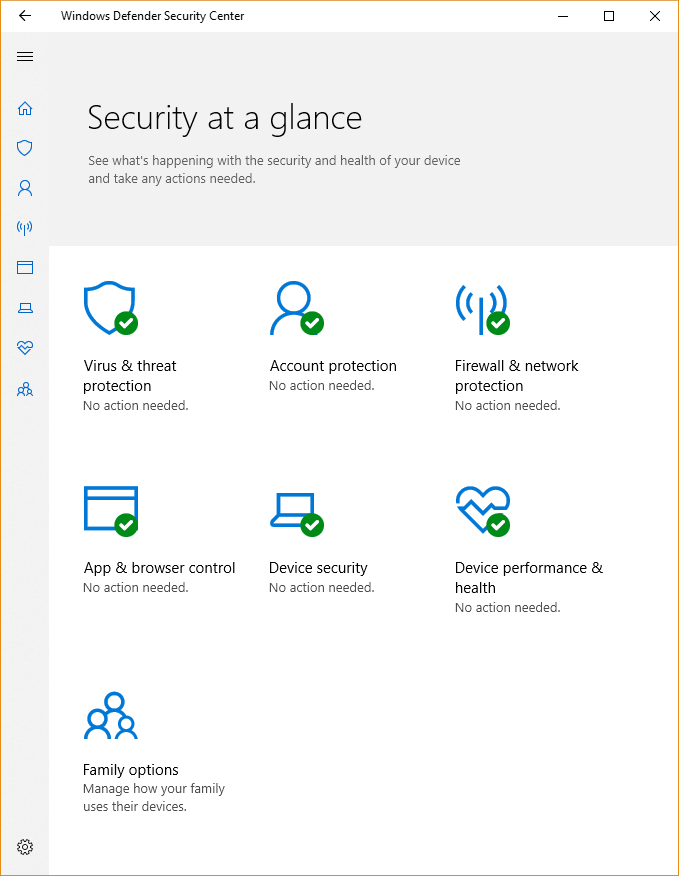
Microsoft Defender comes built into Windows 10 and later versions. It has improved significantly over the years and now provides competitive protection without requiring third-party installation.
Key advantages:
- Integrated with Windows
- No additional resource-heavy installation
- Regular security updates
- Optimized for Windows environment
Because it is deeply integrated into the operating system, Defender often runs more efficiently than third-party alternatives on older Windows 10 machines.
Best suited for: Windows 10 users who want built-in protection without installing additional software.
Comparison Table: Lightweight Antivirus Performance Overview
| Antivirus Software | Idle RAM Usage | CPU Impact | Detection Strength | Ideal For |
|---|---|---|---|---|
| Avast Free | Low | Moderate-Low | High | Budget systems |
| Bitdefender Free | Very Low | Very Low | Very High | 2GB RAM PCs |
| Kaspersky Free | Low | Very Low | Very High | Balanced protection |
| Microsoft Defender | Low | Low | High | Windows 10 systems |
This comparison highlights that strong protection does not automatically require heavy system resources.
How to Optimize Antivirus on an Old Computer
Even lightweight antivirus software can be further optimized. The following strategies improve performance:
Schedule Full Scans Strategically
Running full scans during nighttime or idle hours prevents noticeable slowdowns. Real-time protection remains active without disrupting daily tasks.
Disable Extra Features
Some free antivirus programs include optional features such as browser cleanup tools or network monitors. Disabling non-essential components reduces RAM usage.
Use Smart Scan Modes
Quick scans focus only on high-risk areas like startup programs and system directories. Full system scans can be reserved for weekly checks.
Keep Software Updated
Outdated antivirus definitions can cause inefficiencies and detection gaps. Automatic updates ensure optimal performance and security.
Remove Conflicting Programs
Running multiple antivirus programs simultaneously can severely impact performance. Only one active real-time protection solution should be installed at a time.
Additional Security Practices for Older Systems
Antivirus alone cannot guarantee safety. Older systems require layered security strategies:
- Use supported operating systems whenever possible
- Install all available Windows updates
- Avoid downloading unknown files
- Use modern, secure browsers
- Enable firewall protection
Security agencies worldwide emphasize that user behavior significantly impacts risk levels. Safe browsing habits reduce exposure to malware more effectively than any single software solution.
Common Mistakes to Avoid
Many users unintentionally reduce their computer’s performance or security by making preventable errors:
- Installing full internet security suites on 2GB systems
- Ignoring update notifications
- Using unsupported Windows versions without patches
- Disabling real-time protection permanently
- Downloading antivirus from unofficial sources
Choosing a trusted vendor and configuring it properly is far more important than installing the most feature-rich product available.
FAQ: Lightweight Antivirus for Old Computers
Is free antivirus strong enough for old computers?
Yes. Many free antivirus programs use the same core detection engines as their paid counterparts. Independent lab testing confirms that free versions can provide strong malware protection when properly configured.
Can antivirus damage performance permanently?
No. However, heavy antivirus programs can cause consistent slowdowns. Replacing them with lightweight alternatives typically restores performance.
Is 2GB RAM enough for antivirus software?
Yes, but only with carefully selected lightweight solutions such as Bitdefender Free or properly optimized Avast. Avoid feature-heavy suites.
Should Windows 7 users still install antivirus?
Yes. Even though Windows 7 no longer receives mainstream support, antivirus protection remains essential. However, upgrading to a supported operating system is strongly recommended for long-term security.
Does Microsoft Defender slow down older PCs?
On most Windows 10 systems, Defender runs efficiently. Because it is integrated into Windows, it typically uses fewer resources than third-party security suites.
Long-Term Strategy for Secure and Fast Performance
Maintaining an older computer securely requires a thoughtful approach. Hardware limitations cannot be ignored, but neither can cybersecurity risks. The most effective strategy combines three elements:
- A lightweight antivirus solution
- Proper system configuration
- Safe user practices
Security testing organizations consistently demonstrate that strong malware detection does not require excessive system resources. Cloud-based threat intelligence and optimized scanning engines allow even aging machines to remain protected without becoming unusable.
For users relying on older desktops or laptops for daily tasks, selecting the right antivirus software can extend the system’s usable life by years. With careful setup, minimal feature overload, and regular updates, an old computer can remain both secure and responsive.
Protection and performance are not opposing goals. When lightweight security solutions are chosen thoughtfully, even a low-spec system can operate safely in today’s evolving digital environment.

